
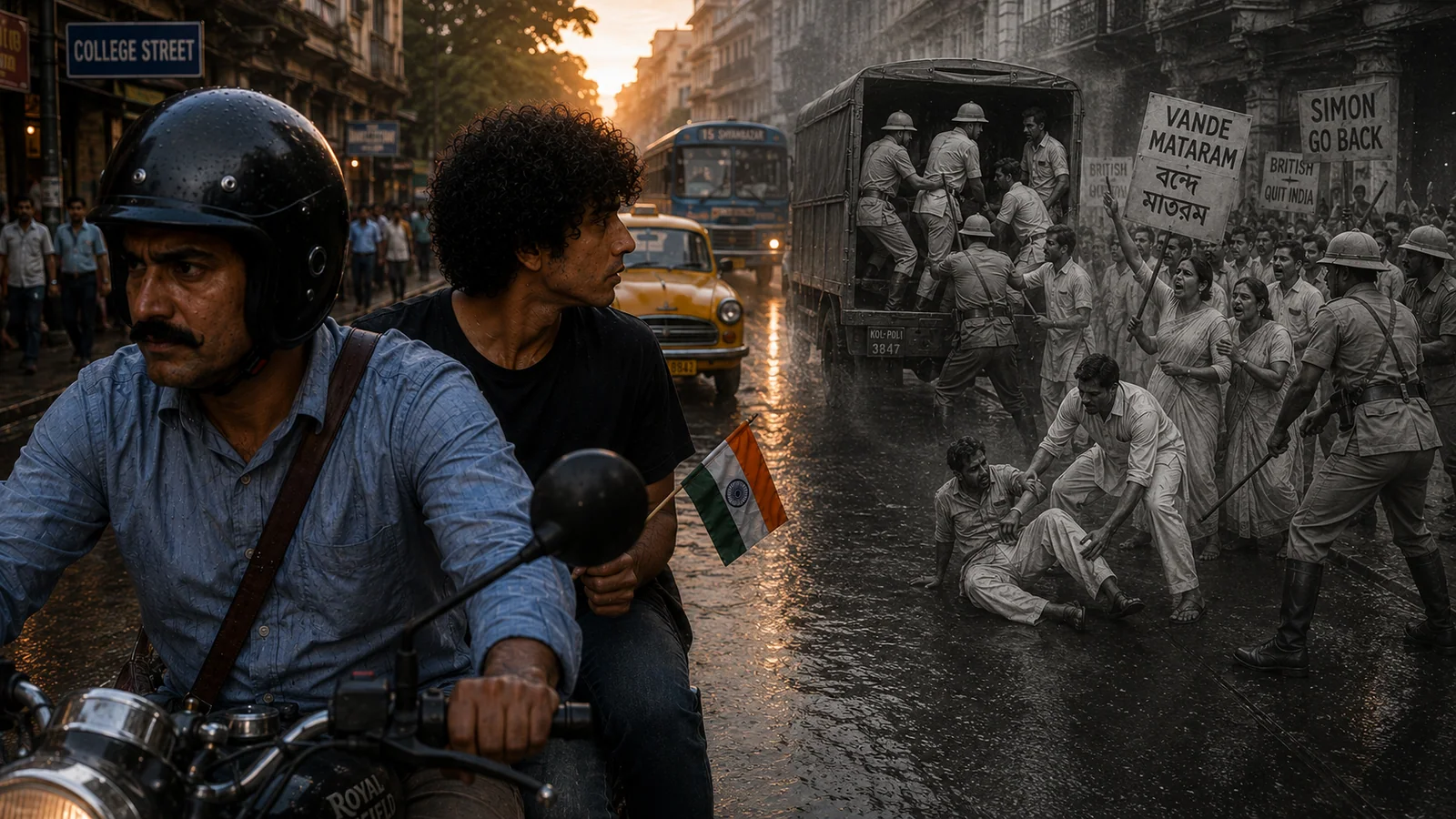
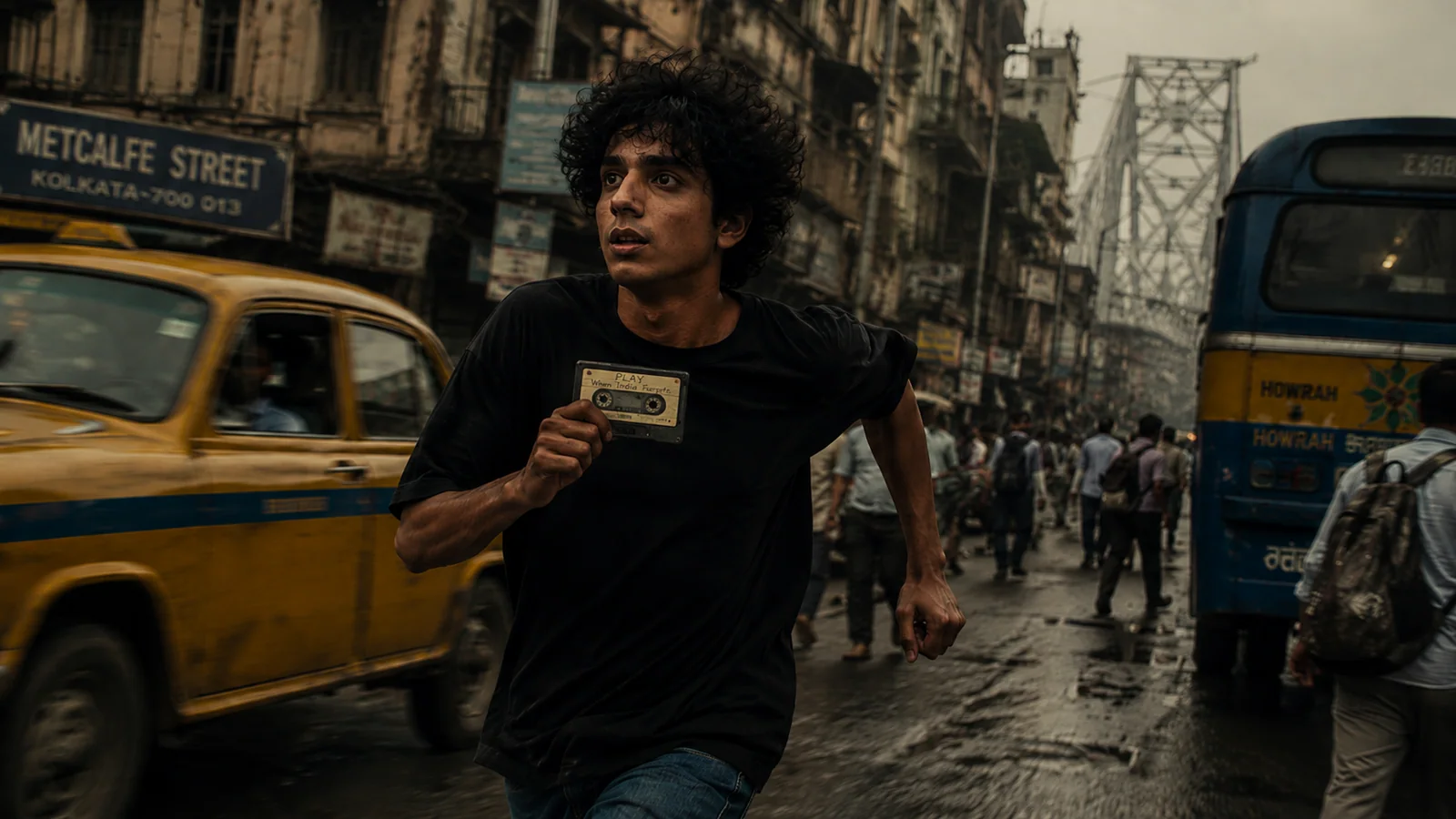
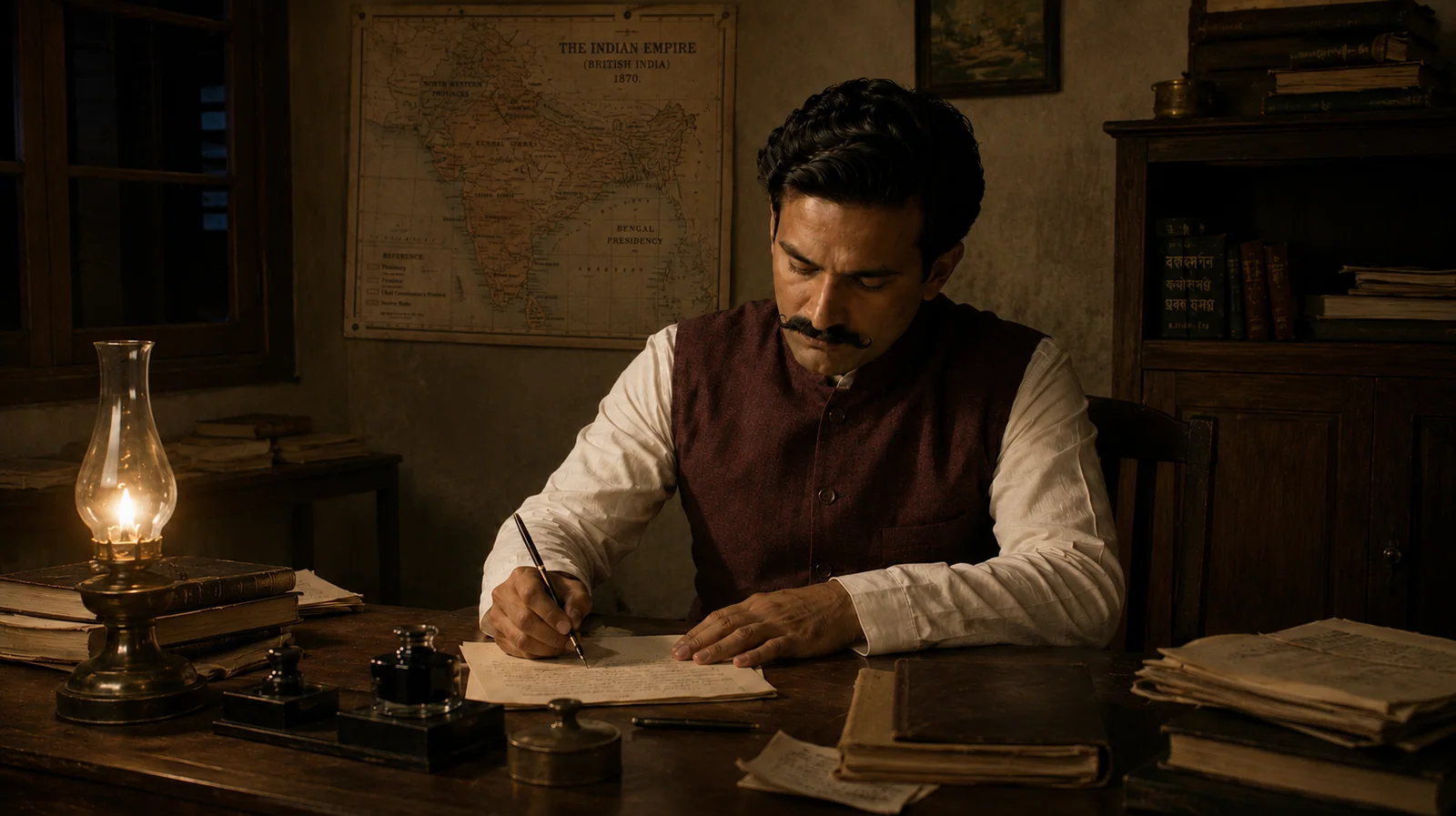
Your course host
Hello doston.
I'm Saurabh Prakash—an AI filmmaker, editor and director. Through RSP Films, I build original stories with AI tools.
 AI → FILM✦↘
We'll keep this course simple. We will explain everything step by step with clear language and examples.
Let's start with the basics: what is the AI filmmaking pipeline?PAGE 01 / FREE PRACTICE
Start here: ChatGPT Free
You only need a free ChatGPT account for Page 1. Clarify your story and character first; other tools begin on Page 2.
- 01
Open it
Go to chatgpt.com in a browser, or download the official phone app. Sign in with a Free account. No card or paid plan is needed for this step.
- 02
Write one thought
Send a one-line film idea. Ask ChatGPT to question you about the HERO, HOOK and HEART. Answer in your own words first.
- 03
Save a first draft
Ask for a short story core and character description. Edit anything that does not fit your idea, then save the final text in your notes.
- 04
Try one image
Paste the approved character description and request one simple reference image. If you reach the Free image limit, save the prompt; do not expect unlimited images.
First message / copy and paste
I am starting an original short-film story. My one-line idea is: [WRITE YOUR IDEA HERE]. First ask me 3 simple questions about HERO (who it is about), HOOK (what unusual thing happens), and HEART (what the audience should feel). After I answer, make a 5-line story core and one consistent character description. Do not invent new plot facts for me; ask if a detail is missing.
Optional image prompt / copy and paste
Here is my approved character description: [PASTE YOUR DESCRIPTION]. Preserve this identity and create one simple neutral reference portrait. Plain background, natural light, face clearly visible. Do not add other people, props or text.
Free plan: ChatGPT Free supports text planning. Image creation and file uploads have separate limits; do not expect unlimited images. If you hit a limit, save your story text and continue later.
Next: Page 2 opens the practical route for storyboards, camera choices and free video tools.
Click to previewBy the end of this pageSee what you'll learn+
Your page brief
From one thought to a story core and character sheet.
- Simple thoughtClarify the film's basic idea
- Story coreAnswer HERO, HOOK and HEART
- Five blocksDefine character identity clearly
- Three-view sheetKeep body, face and back views separate
- Save checkpointDownload the Story Brief and Character Log
Page 1 introduces the production mindset for this beginner course. Using MIRA'S MIRAGE, we will clarify the story's core, lock the HERO, HOOK and HEART, and build Mira with a usable character prompt and three-view sheet.
- Clarify a simple thought using HERO, HOOK and HEART.
- Define character identity in five clear prompt blocks.
- Save the Story Brief and Character Log as your checkpoint for Page 2.
By the end of this pageBy the end of this page, you will have the story core of MIRA'S MIRAGE and Mira's approved three-view identity master, ready to approve the brief properly on Page 2.
Beginner vocabulary
Six terms to
know first.
Rough idea
The first version of your idea. The spark may be there, but important visual decisions may still be missing.
Candidate
A generated option to inspect. You do not have to accept it.
Approved asset
A character, location or prop image that has passed the checks for a clearly named use.
Element
A reusable character, location or prop saved inside the generation platform from an approved source asset.
Motion test
A short, controlled video that answers one production question before you spend more time or credits.
Final shot
A result that serves its intended place in the film after review of story, continuity, motion and visible quality.
Story before software
Emotion makes
the frame matter.
01 / For exampleReal movie shot vs AI shot.+
On the left is a live-action film frame with a real actor. Next are AI-assisted reaction shots from Vande Mataram. Compare the expressions: does the emotion feel believable?
Frame 01 is a live-action performance from the open movie Tears of Steel; Frames 02–03 are AI-assisted ending shots from our short film Vande Mataram. The medium is different, but shock and tears only land when the story gives the audience a reason to care.
AI OR NOT AIA movie is made with soul.Whatever the medium—SOUL = STORY.
02 / Create yourSOUL = STORYV. IMPORTANT+
For this step, you only need two things: a simple thought, and an AI chatbot to help shape that thought into a story.
STEP 02 / CHARACTER PROMPT BUILDER
Build her in
five blocks.
HERO, HOOK and HEART clarify Mira's story core. Now define her identity master in five clear prompt blocks, which we will combine into one complete prompt next.
Casting basicsWho is she?
+
Who is she?
29-year-old Bengali woman. Story role: observant lead of a psychological mystery.
Facial identityWhat makes her recognisable?
+
What makes her recognisable?
Long oval face, medium-brown skin, deep-set dark eyes, natural brows, shoulder-length wavy black hair and a tiny black bindi.
Body + presenceHow does she carry herself?
+
How does she carry herself?
Lean build, controlled posture and an alert but emotionally reserved neutral expression.
Costume anchorsWhat must stay complete?
+
What must stay complete?
Charcoal wool coat, muted grey top, black trousers and practical black ankle boots.
Reference-frame rulesHow should the first image be captured?
+
How should the first image be captured?
Neutral character reference, soft natural light and a simple grey background. No action, rain, platform, fantasy glow or extra props.
STEP 03 / ASSEMBLE THE PROMPT
See the complete
clean prompt.
+
STEP 03 / ASSEMBLE THE PROMPT
See the complete
clean prompt.
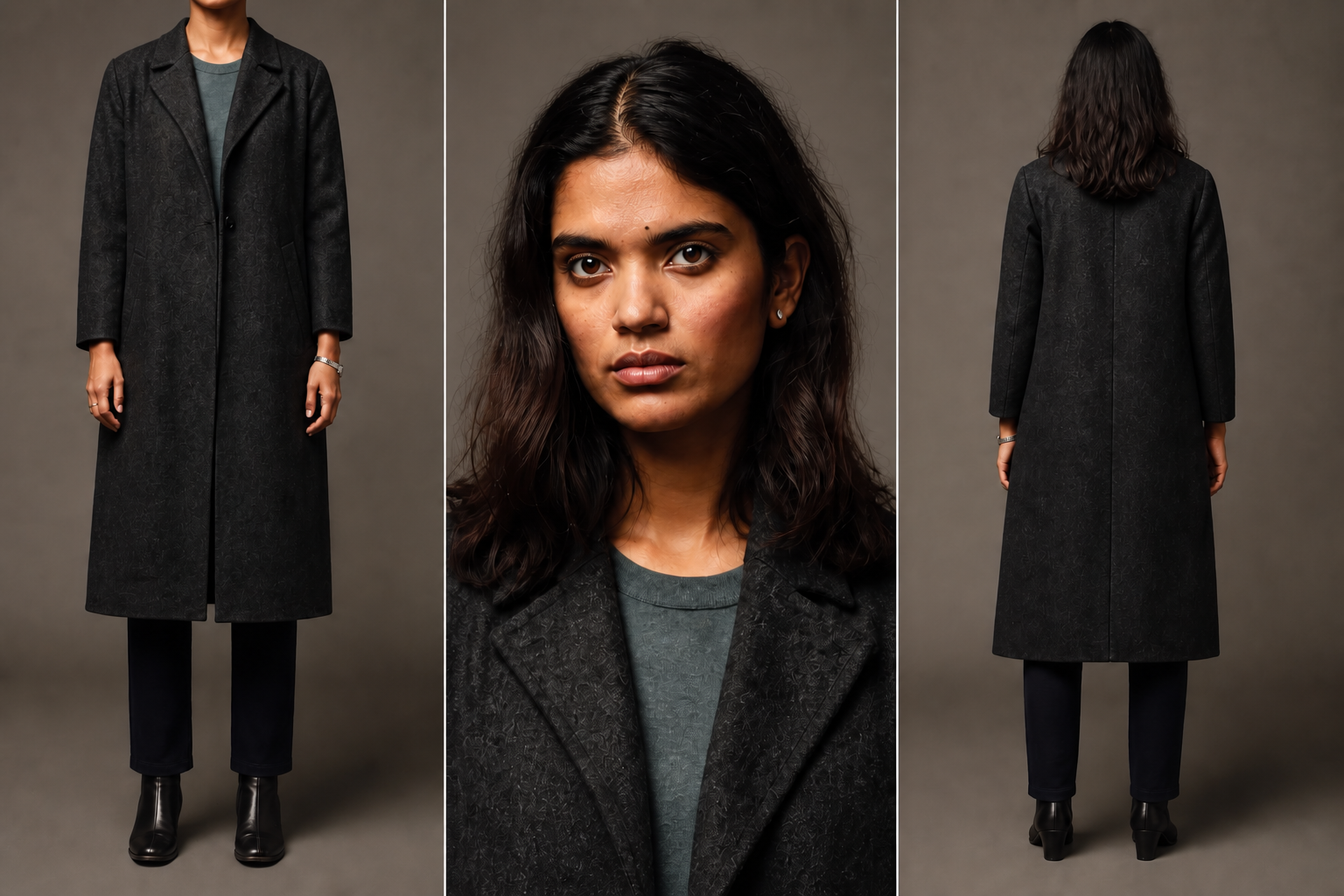
Create Mira's locked character identity master: a 29-year-old Bengali woman and the observant lead of a psychological mystery. She has a long oval face, medium-brown skin, deep-set dark-brown eyes, natural brows, shoulder-length naturally wavy black hair and a tiny black bindi. Her build is lean, her posture controlled, and her neutral expression alert but emotionally reserved. She wears a charcoal wool coat over a muted grey top, black trousers and practical black ankle boots.
Build a clean three-view character sheet on a simple warm-grey background with soft neutral casting light: (1) a front full-body costume reference framed from the neck to the boots with no face visible, (2) a realistic head-and-shoulders identity close-up preserving natural facial asymmetry and skin texture, and (3) a full-body back view with no face or profile visible. Keep the same body proportions, hair and complete wardrobe across all three views. No action, rain, railway platform, red umbrella, fantasy glow, extra props or extra people.
IMPORTANT / TWO IDENTITY RULESIn this three-view method, use the full-body panel as a faceless costume reference. Lock authoritative identity in a separate close-up. Avoid a perfectly mirrored face—preserve natural facial asymmetry and real skin texture. This keeps Mira human and identity signals clearer in later prompts.
These tiny details separate careless AI output from a controlled cinematic frame.
MIRA / APPROVED IDENTITY MASTER
One character.
Three clear jobs.
Three story cores locked. Now approve and save Mira's visual identity master; this is the character we will keep.
DOWNLOAD / PAGE 01 CHECKPOINT
Your first
project pack.
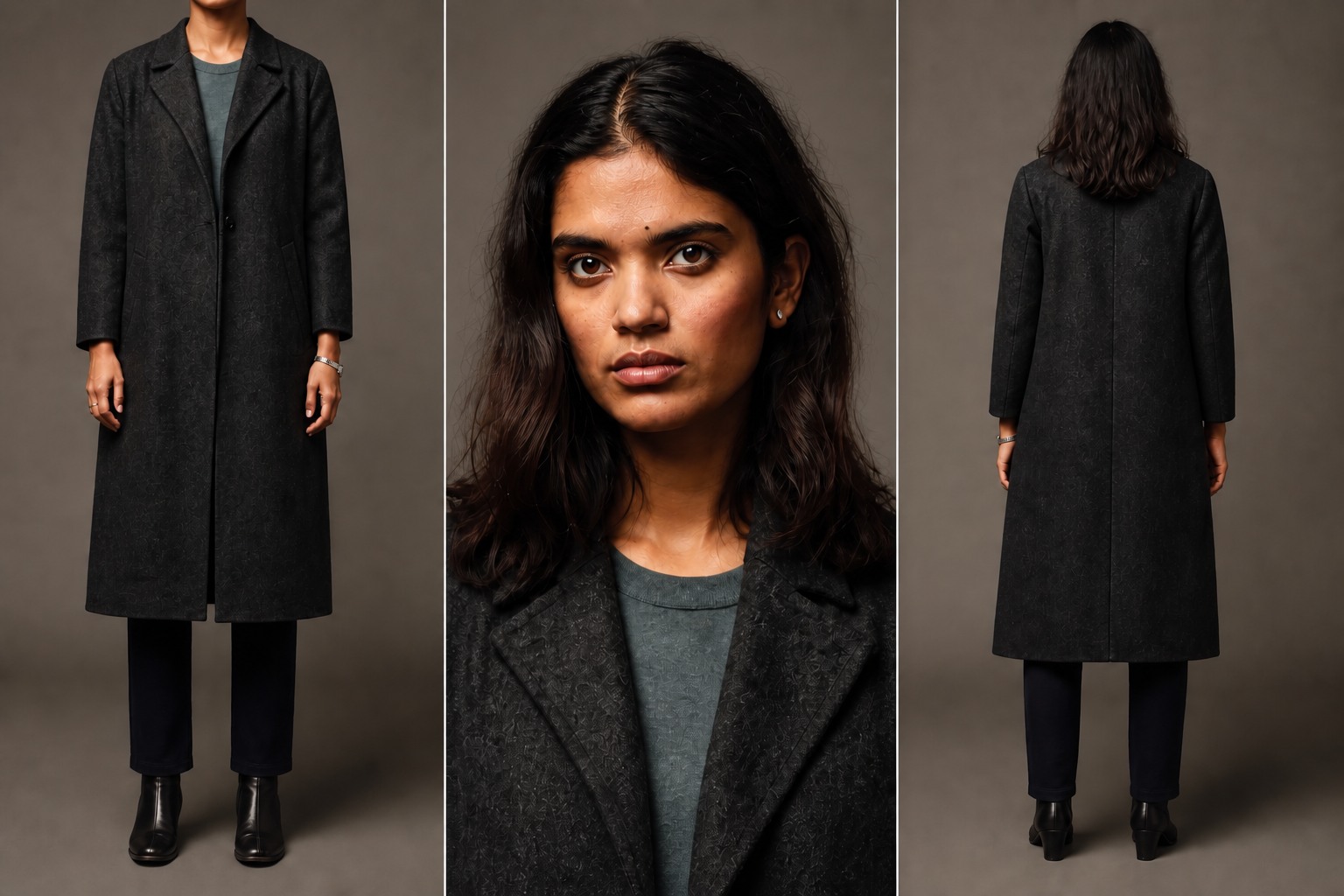
Keep written context and visual assets in separate files within one organized project folder.
.MD / CONTEXT + PROMPT Story Brief and Character Log provide chatbot context. Character Prompt saves the exact five-block generation instructions.
.JPG / VISUAL ASSET Add the Character Sheet to your image or video tool as Mira's character reference asset.
The better you organise your assets, the easier your filmmaking process becomes.
Practical demonstration
Do it in
four moves.
Plan
Choose a small story beat. Define what happens, what the audience should feel, and whether your first output is a still, motion test or final shot.
Organize
Keep the brief, references, files and asset names together to avoid using the wrong character, location or prop later.
Approve
Generate and inspect candidates. Approve only assets that preserve the details your story requires.
Test + review
Run the shortest useful motion test. Record what worked, what failed and what comes next.
Across this beginner course
What you will
practise.
- Turn a rough thought into an approved brief.
- Organize your first project files and asset names.
- Choose and inspect characters, locations and hero props.
- Protect continuity when editing assets.
- Run a simple motion test.
- Review one small AI scene using visible evidence.
Advanced screenwriting, cinematography, editing, sound and commercial release will be covered in later courses.
Quick production check
Where does the three-view method lock Mira's authoritative face identity?
PAGE 01 / VIDEO EXPLAINER
Watch this lesson
Save your learning
Ready for the next step?
Complete the quick checks, then confirm. Scroll percentage only records your reading position.
Sign in with GoogleLearning checklist + completion certificate →A certificate requires active course access and all 11 checkpoints. Contest entry or a public post is not required.